Nine Subscriptions a Raspberry Pi Can Replace With Self-Hosted Software
- Published
- Author
- Thomas Dyan
- Reads
- 361
Nine recurring fees a Raspberry Pi can cover with self-hosted software, from game streaming and PDF editing to landlines and photo backup.
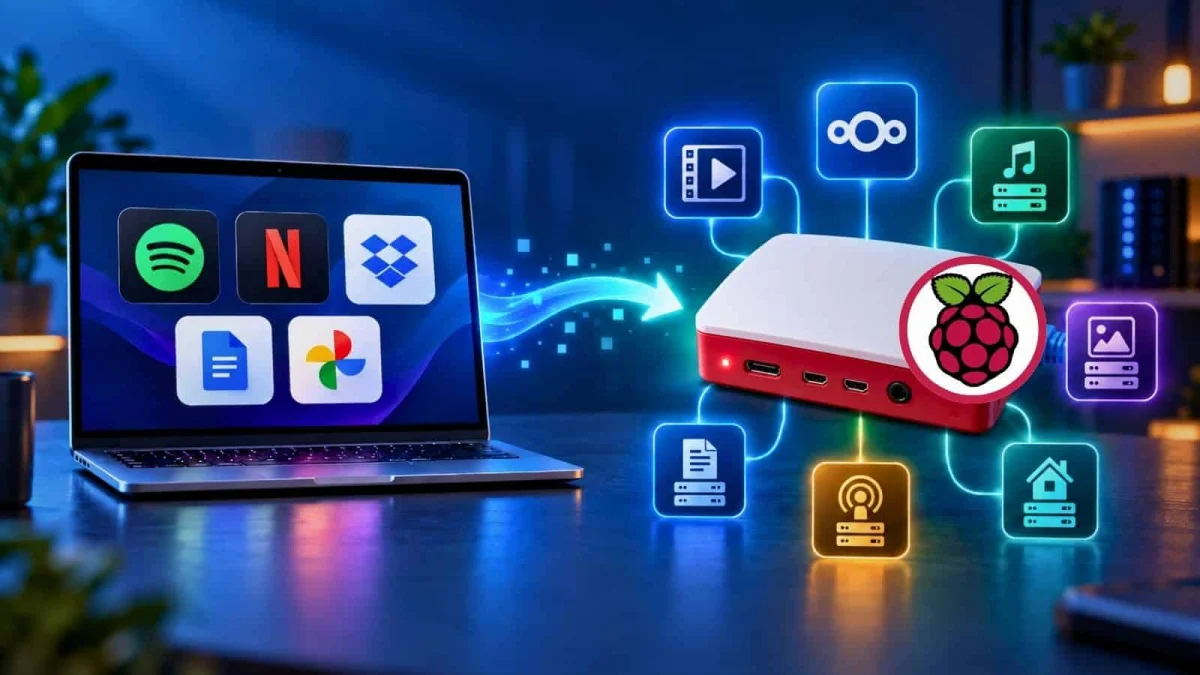
Most of the subscriptions that wear down a monthly budget are for software that could run on a small box in a closet. The Raspberry Pi is often enough to host that software on your local network, and the savings add up quickly. Here's the thing, though: a Pi won't replace everything. Some of these swaps are simple, and others need patience and a tolerance for maintenance. Below are nine subscription categories where the swap is worth considering, along with the trade-offs for each.
Cloud Gaming
Services such as Xbox Cloud Gaming, Amazon Luna and Nvidia GeForce NOW let you stream games to a TV without a console. The catch is that you don't own the games. When the subscription lapses, so does your access.
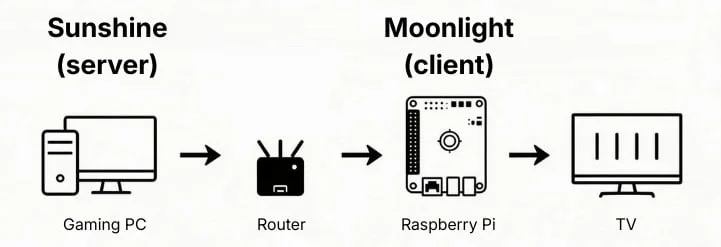
A Pi can take over the streaming end of that arrangement. You run Sunshine on a gaming PC and Moonlight on the Raspberry Pi. The PC does the rendering, and the Pi decodes and outputs the stream to a TV. Every game in your PC library, including titles bought through Steam, is available for couch play without an ongoing fee.
Network quality is the limiting factor. Use Ethernet at every point in the chain if you can. Wi-Fi may hold up for turn-based RPGs, but fast-paced, frame-sensitive games will expose any jitter. Moonlight's documentation includes an installation guide for the Raspberry Pi 4 that's a reasonable starting point. Controllers plug straight into the Pi.
PDF Editing
Adobe Acrobat Pro was the tool many people bought outright to edit PDFs or sign them digitally. Once Adobe moved it to a recurring subscription, the cost of a task that used to be occasional became a standing charge.
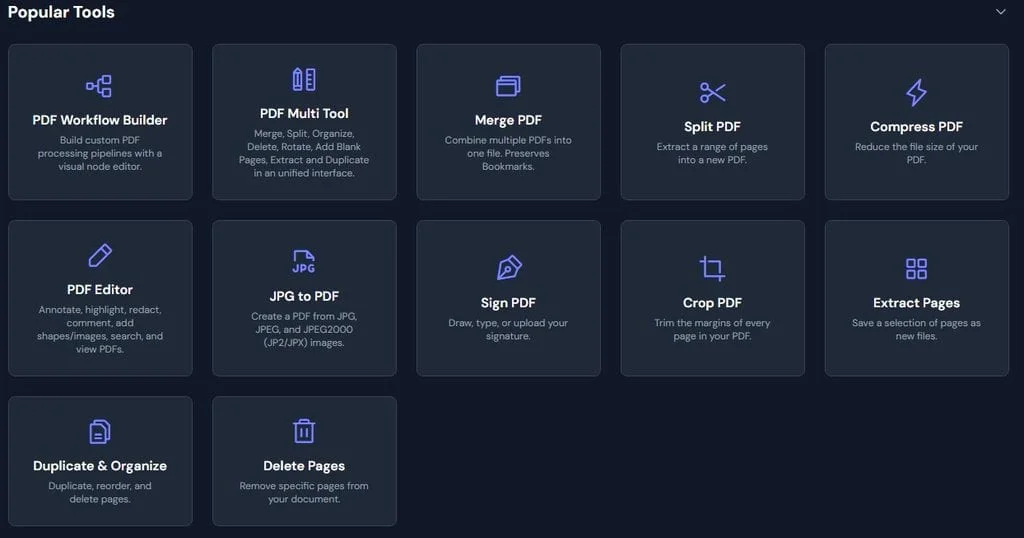
The self-hosted option here is BentoPDF. It doesn't match Acrobat Pro feature for feature, but it covers the essentials, it's free, and documents stay on your local network rather than passing through a third-party server. The easiest route is running it as a Docker container, where setup mostly comes down to choosing a port. The project's GitHub page has a quick-start guide. If you're new to containers, a Docker Compose walkthrough for the Pi is a useful companion.
Cloud Storage
Dropbox-style services earned their place by making files reachable from anywhere. The trade-off has grown harder to justify: recurring costs keep rising, data breaches keep happening, and some providers have claimed broad rights over the personal data stored with them. For many people, the convenience no longer outweighs that.
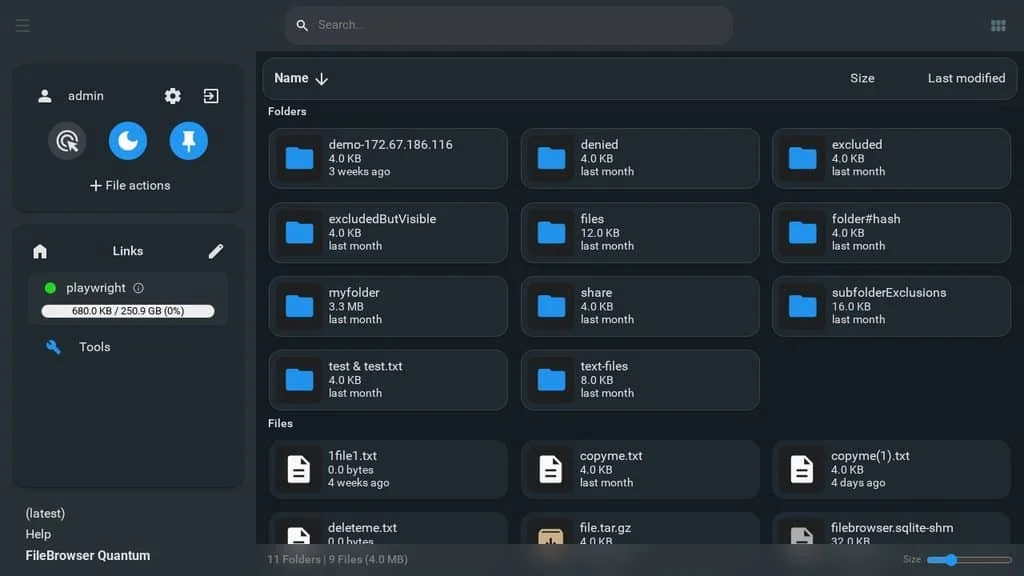
Turning the Pi into a private file server gets you most of the convenience on your own network. FileBrowser Quantum is the simplest option I'd recommend. You open a web page and get a graphical file manager for your drives. Its getting-started documentation covers both Linux and Docker installs on a Pi.
If you want something lighter or heavier, there are established alternatives. Syncthing is minimalist and handles peer-to-peer sync well. Nextcloud is full-featured and closer to a commercial cloud service, with calendars, contacts and sharing. Either way, a self-hosted cloud is only as safe as its backups. Pair it with a snapshot tool such as rsnapshot for incremental backups, and keep an offsite copy of anything you can't afford to lose.
TV Streaming
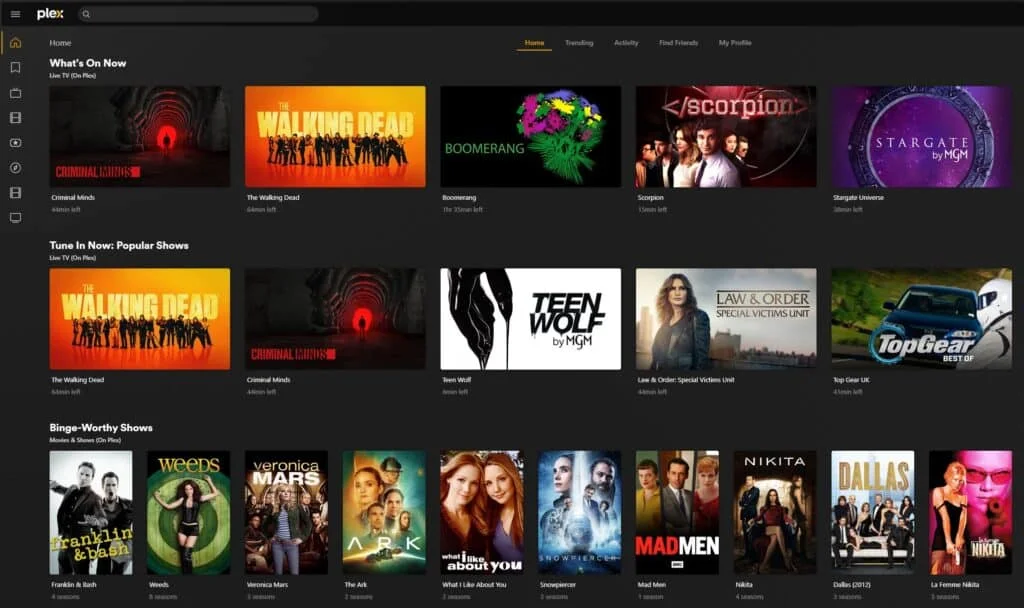
Plenty of households have cut the cable only to find themselves paying for four or five streaming services to fill the gaps. A Pi running a media server can consolidate a lot of that. Jellyfin, Plex and Kodi all work well here, and the content comes from connected services, plugins, or files you supply yourself.
The choice comes down to how you watch. Kodi suits a single display, which makes it a good way to turn an ordinary screen into a smart TV. Jellyfin and Plex are server-based and stream to other devices across your home network, so they fit better if several people need access from different rooms. A TV tuner adds over-the-air channels, which makes local news possible without a cable contract. Guides comparing Jellyfin and Plex and Kodi on OSMC can help you decide before you buy hardware.
Music Streaming
What keeps people paying for Spotify or Tidal is the recommendation engine. You don't own the catalogue, and the music stops when the payments do. Replicating the discovery part is the harder problem, and it's where this build gets interesting.
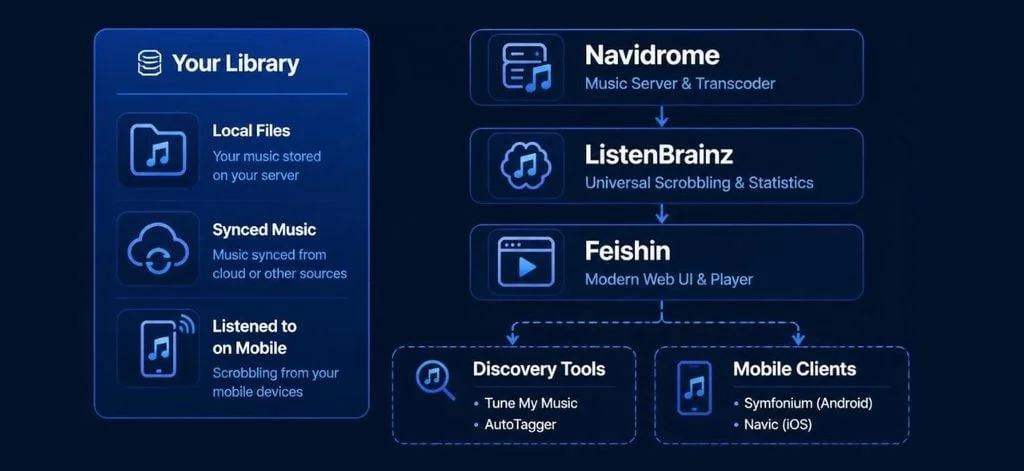
The stack has three layers. Navidrome runs on the Pi as the music server. ListenBrainz handles scrobbling, which records what you listen to and generates recommendations from that history. Feishin is the client app for your devices. Together they can build algorithmic playlists from your existing collection.
The catch is that you need to bring the music yourself, whether that's ripped CDs, purchased downloads or files from friends' servers. Internet radio plugins can fill some of the discovery gap. It's more involved than pressing play on a streaming app, but you keep everything you've collected.
Audiobooks & Podcasts
Audible is the market leader for audiobooks, and its strengths are real. The weak point is the common subscription tier, where cancelling means losing access to the books you've bought.

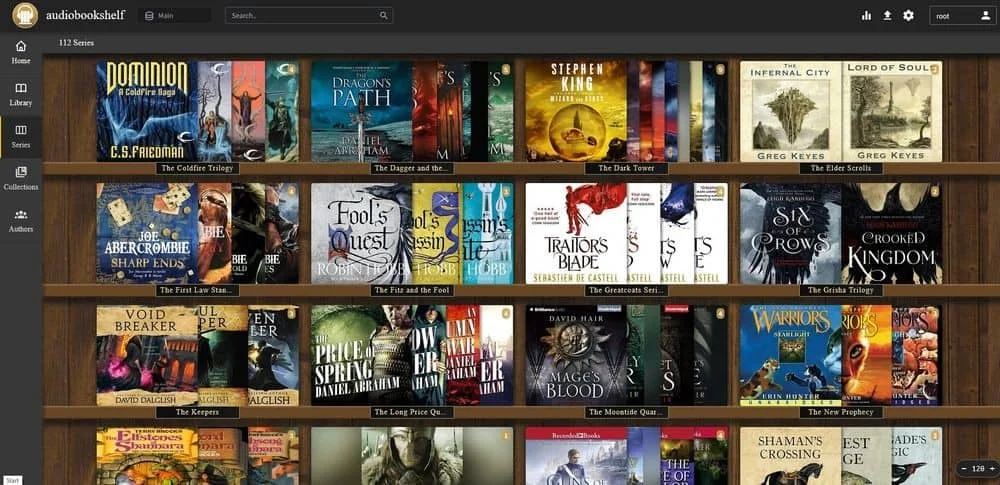
Audiobookshelf is built for this job. It syncs listening and reading progress across devices, pairs audiobooks with their ebook text, sorts and fetches covers automatically, and downloads new podcast episodes from RSS feeds. The software is free, and the library stays on your hardware. The project recommends Docker on the Pi, which matches the Pi's CPU architecture and keeps the install consistent. Its documentation covers the setup steps.
Telephone Landline
Smartphones are nearly universal, but a Numberbarn blog post cited by the author puts the number of US people still paying for landlines at about 55 million. Reasons vary: a child who needs a phone but isn't ready for a smartphone, or a home business that wants a separate line.
The Pi-based replacement is a VoIP setup. You need three parts. The first is a VoIP phone number, which the author notes costs about $1 a month from providers such as VoIP.ms, compared with the $30 to $65 per month the author cites for a single traditional landline. The second is Asterisk, free software that routes incoming calls from that number. The third is an ATA device, a one-time hardware purchase that converts the digital signal into one a standard handset can use.
Expect a more advanced project. The author found it wasn't as maintenance-free as hoped, and a step-by-step guide to installing Asterisk on a Raspberry Pi is worth reading in full before you start. The limits matter. A VoIP line doesn't offer the same emergency-call routing as a landline, and it won't work through a power outage unless you've planned backup power for the Pi, modem and router. Treat it as a cost-saving option, not a like-for-like replacement.
Document Productivity Suite
Office software has moved from something you bought to something you rent. Microsoft 365 now requires a monthly subscription for Word and Excel, and the offline perpetual copies are gone. Google Workspace is the usual alternative, but Google Docs lacks feature parity in some areas, can mangle files that originated in MS Office, and doesn't work fully offline.
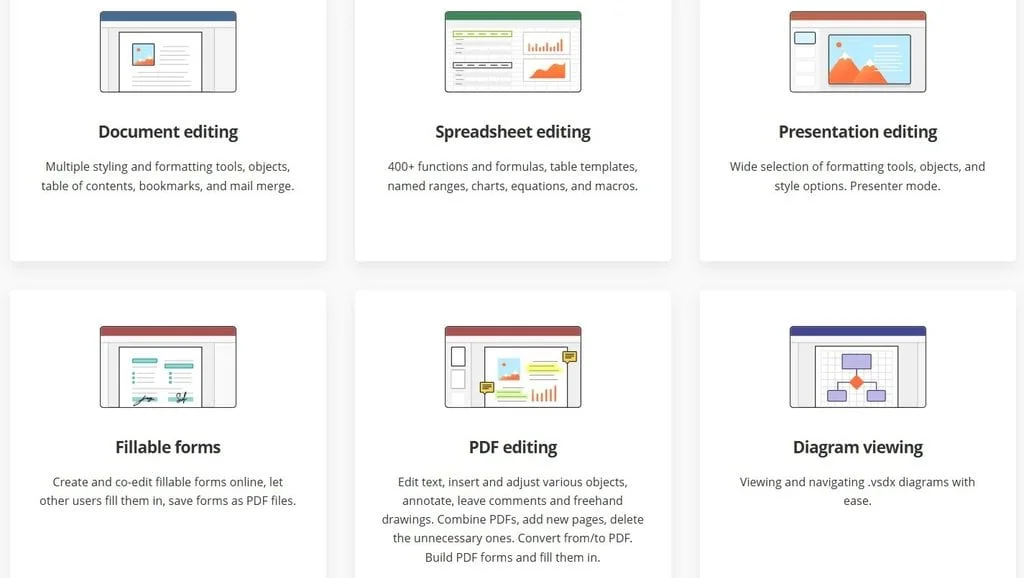
Self-hosting ONLYOFFICE Docs on a Pi gives you an office suite that runs on your local network and can be reached from PCs and mobile devices. Its strongest point is compatibility with Microsoft Office formats, which is the main reason to choose it over Google's tools. ONLYOFFICE publishes installation methods, and Raspberry Pi users should follow the ARM64 instructions. The Pi will handle light, everyday documents, but heavy multi-user editing is likely to push its limits, so test with your own files before committing.
Photo Sharing
Google Photos illustrates how subscription storage can spread into other parts of an account. Extra storage shared across Google accounts means that a lapsed renewal can max out your space and interrupt email delivery. Add privacy concerns about where your photos live, and the case for moving them home gets stronger.
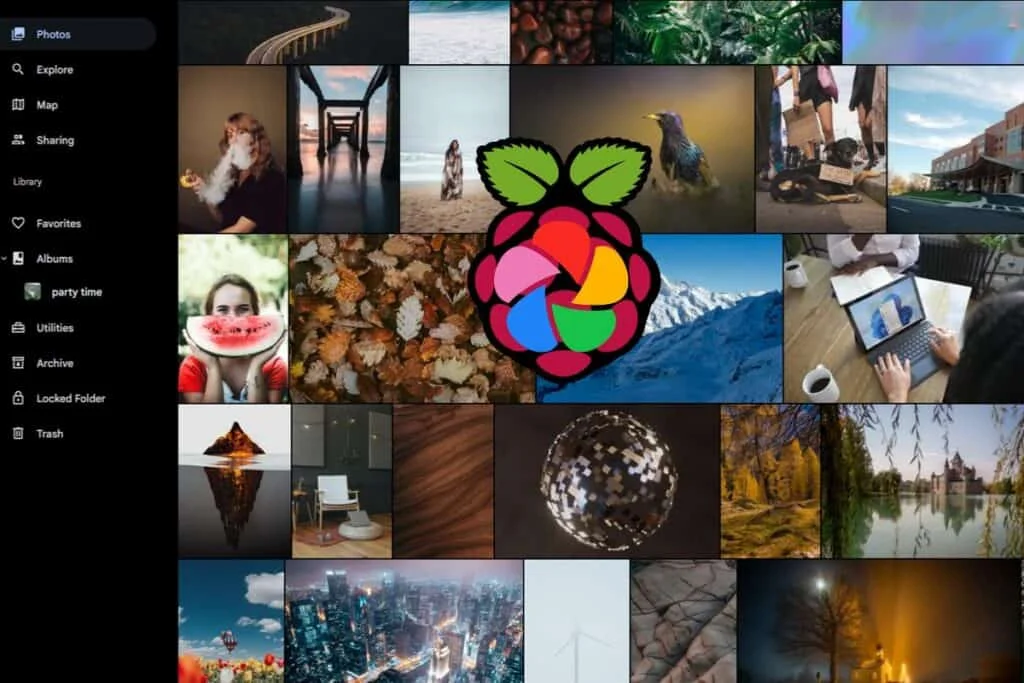
Immich is a free, self-hosted photo organiser with no paywall on storage or user count. It syncs and backs up photos from mobile devices and uses its search and classification features to make large libraries easier to navigate. A full walkthrough for running it on a Pi is available in the guide to hosting a Google Photos alternative with Immich.
Where to Start
My read is that the easiest wins are the ones that replace a single app with a single container: BentoPDF, Audiobookshelf and Immich all fit that pattern. Cloud gaming and music discovery reward a bit more tinkering, and the landline project belongs to someone who enjoys troubleshooting SIP settings. Pick the subscription that costs you the most each year, test the replacement for a month while keeping the paid service running, and cancel only once the self-hosted version has proven itself on your network.